

Control over procurement policy, convenience for employees
Elari makes purchasing easier for everyone. Through more than 320 OCI integrations, employees can place orders just as easily as they’re used to, within predefined parameters.
-

Checks before ordering
You set the order amount, items, product categories, and suppliers in advance so that the purchasing policy is followed automatically. -

Order via 320+ OCI integrations
Employees can easily place orders through the supplier's online store, the internal catalog, or an order form. -

Automatic 3-way matching
Does the invoice match the order and the delivery? If so, Elari processes it automatically, without any intervention. -

Strategic insight
In Elari, you analyze procurement data and gain insight into procurement volumes, suppliers, and opportunities for savings.
How purchasing works with Elari
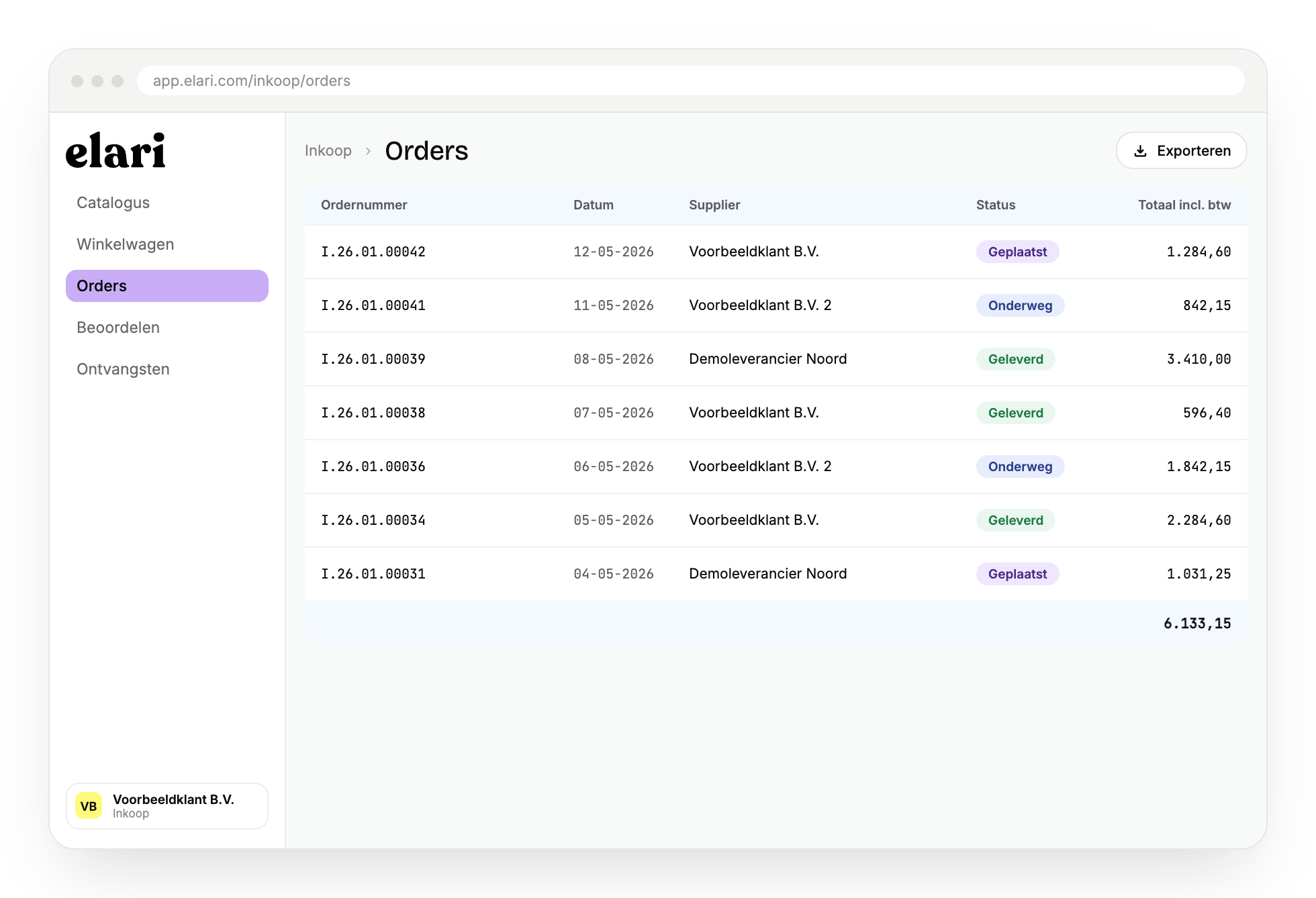
1. Create a purchase order
Orders can be placed through a supplier's online store, the internal catalog, or an order form, with over 320 OCI integrations available. Elari automatically forwards the order for approval.
2. Order placement
Once approved, Elari automatically places the order with the supplier. The person who placed the order and colleagues with the appropriate permissions can check the order status at any time, from placement to delivery.
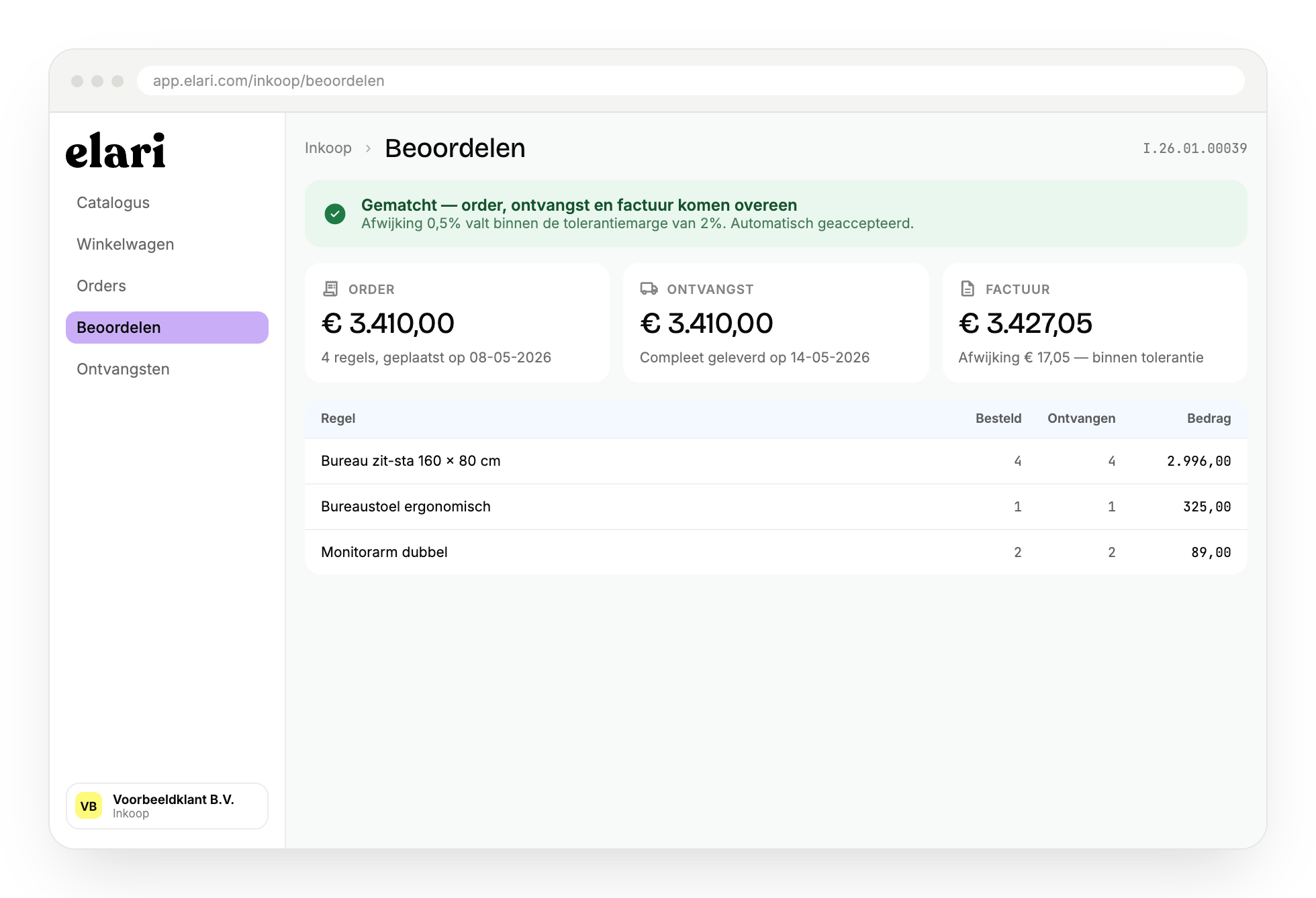
3. Automatic flagging
Elari verifies that the delivered goods match the order, and then automatically reconciles the invoice using 3-way matching. Minor discrepancies within the set tolerance margin are automatically accepted.
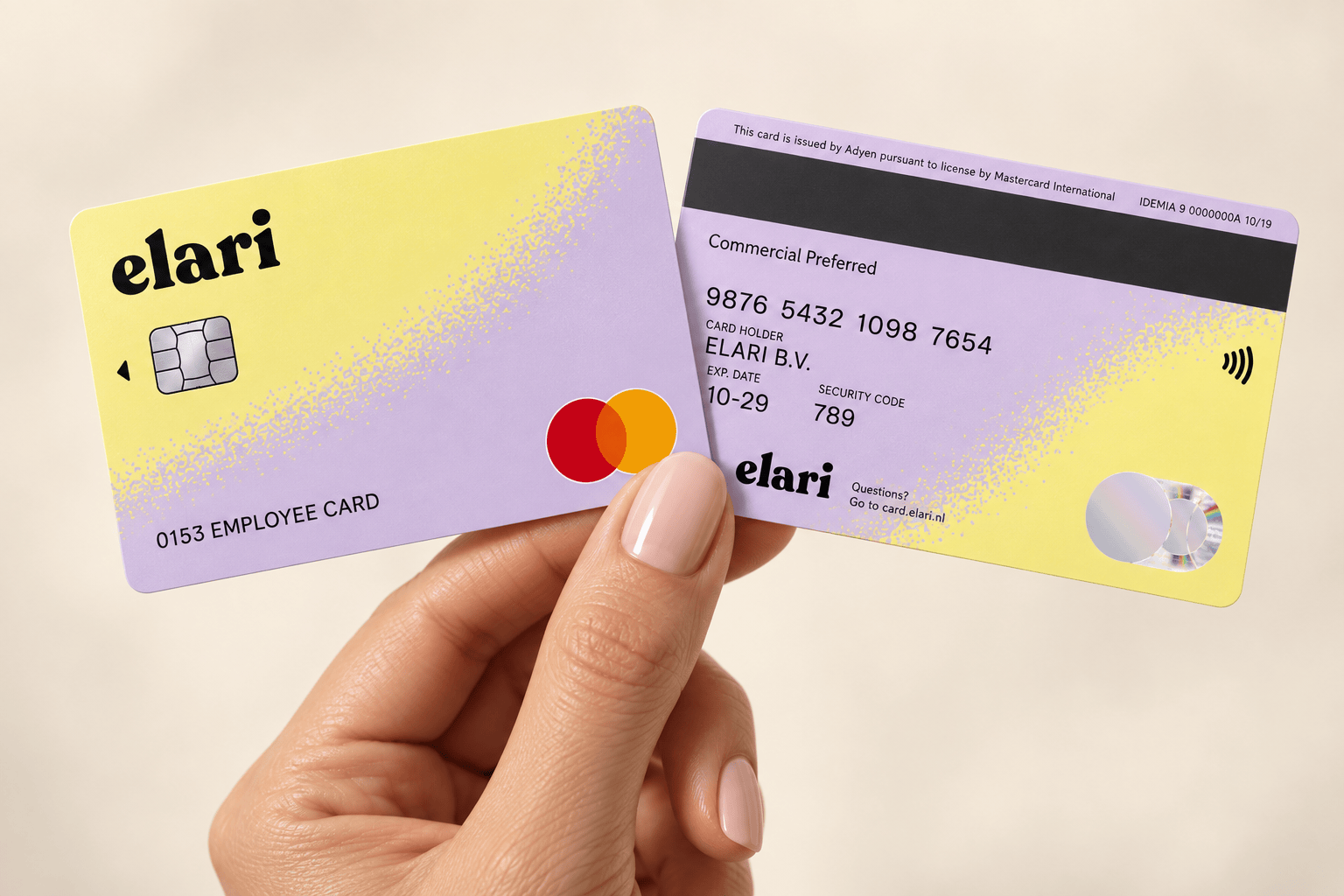
Everything you need for a completely touchless process.
Combine Purchasing with Invoice Processing and Contract Management for 3-way matching and a fully touchless process, from order to payment.
Purchase to Pay bundles these modules, but you decide how many you use. With three package levels, you choose what fits your organization: start with a single module, or work fully integrated within one platform right away.
Purchase to Pay bundles these modules, but you decide how many you use. With three package levels, you choose what fits your organization: start with a single module, or work fully integrated within one platform right away.
How a touchless process works in practice
A purchase order, the shipment, and the invoice are automatically compared. If they match, Elari processes the invoice without a manual review.