


Everything you need for fast and organised expense reporting
Elari replaces the paper expense report form with just a few clicks in the app, featuring automatic approval and a digital archive.
-

Quick submission, no hassle
Take a photo of the receipt, attach a file, or upload it directly from your gallery. Elari processes the expense report without requiring any accounting knowledge. -

One click to approve
Expense reports are routed directly to the appropriate approver via an automated workflow, including a reminder if approval is pending. -

Never lose a receipt again
Once approved, each expense report is automatically saved in the digital archive, where you can find it right away whenever you want. -

Automatically synced with your accounting software
Elari integrates with more than 40 accounting and ERP systems, including AFAS, Exact, and Twinfield, and automatically posts approved expense reports.
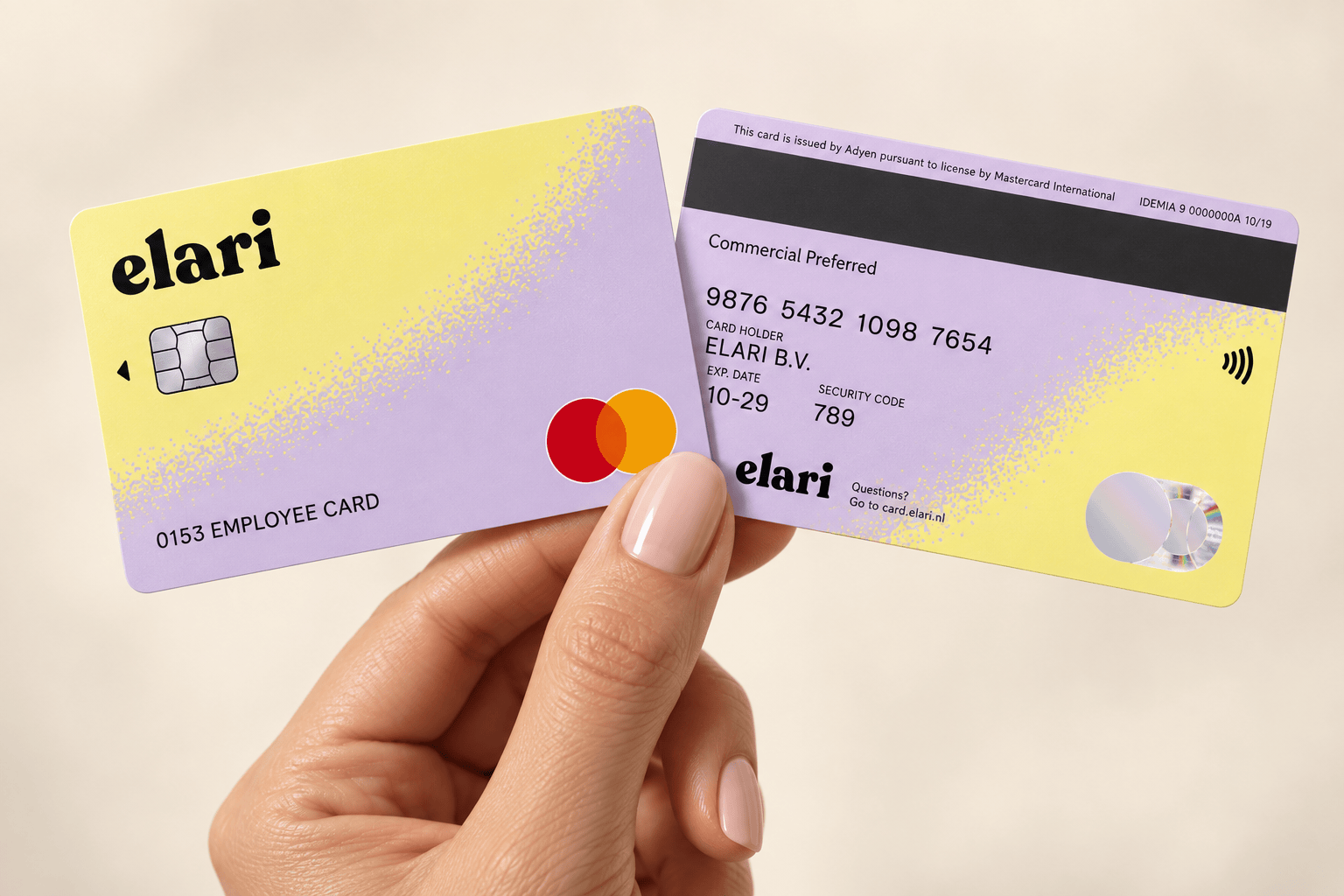
Use a payment card whenever possible. Submit an expense report if you have to.
The card is the standard for nearly every expense. Expense reports are now only used for exceptions, such as travel expenses, for which Elari automatically calculates the travel distance.
Expense reporting and Elari Cards are part of Elari Expense: smart payment cards and expense reporting, fully integrated into a single platform.
Expense reporting and Elari Cards are part of Elari Expense: smart payment cards and expense reporting, fully integrated into a single platform.
Digital expense reporting: how does it work?
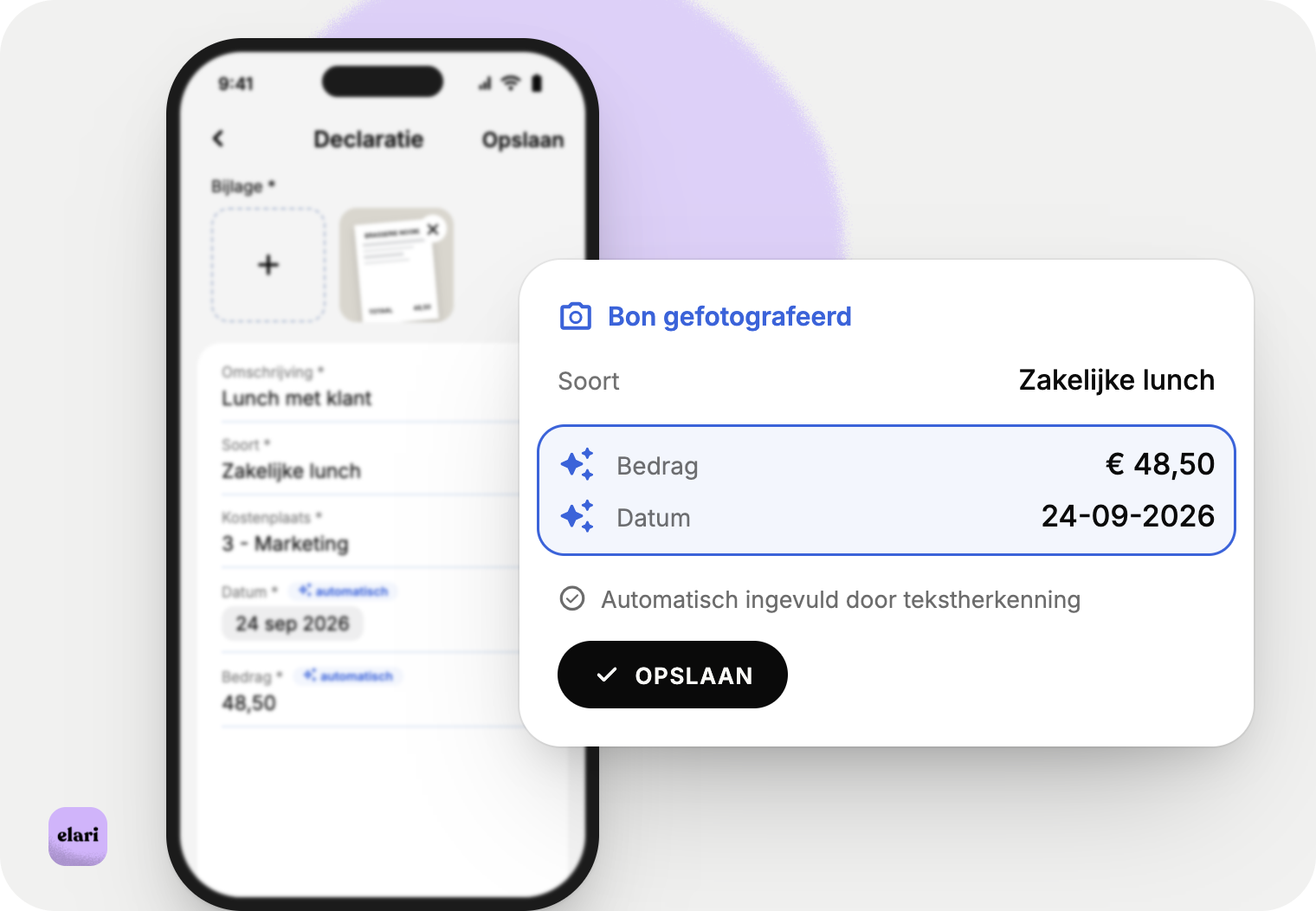
1. Submit expense reports
With the Elari app, employees can easily take a photo of a receipt to submit expense reports. They don't need any accounting knowledge to do so.
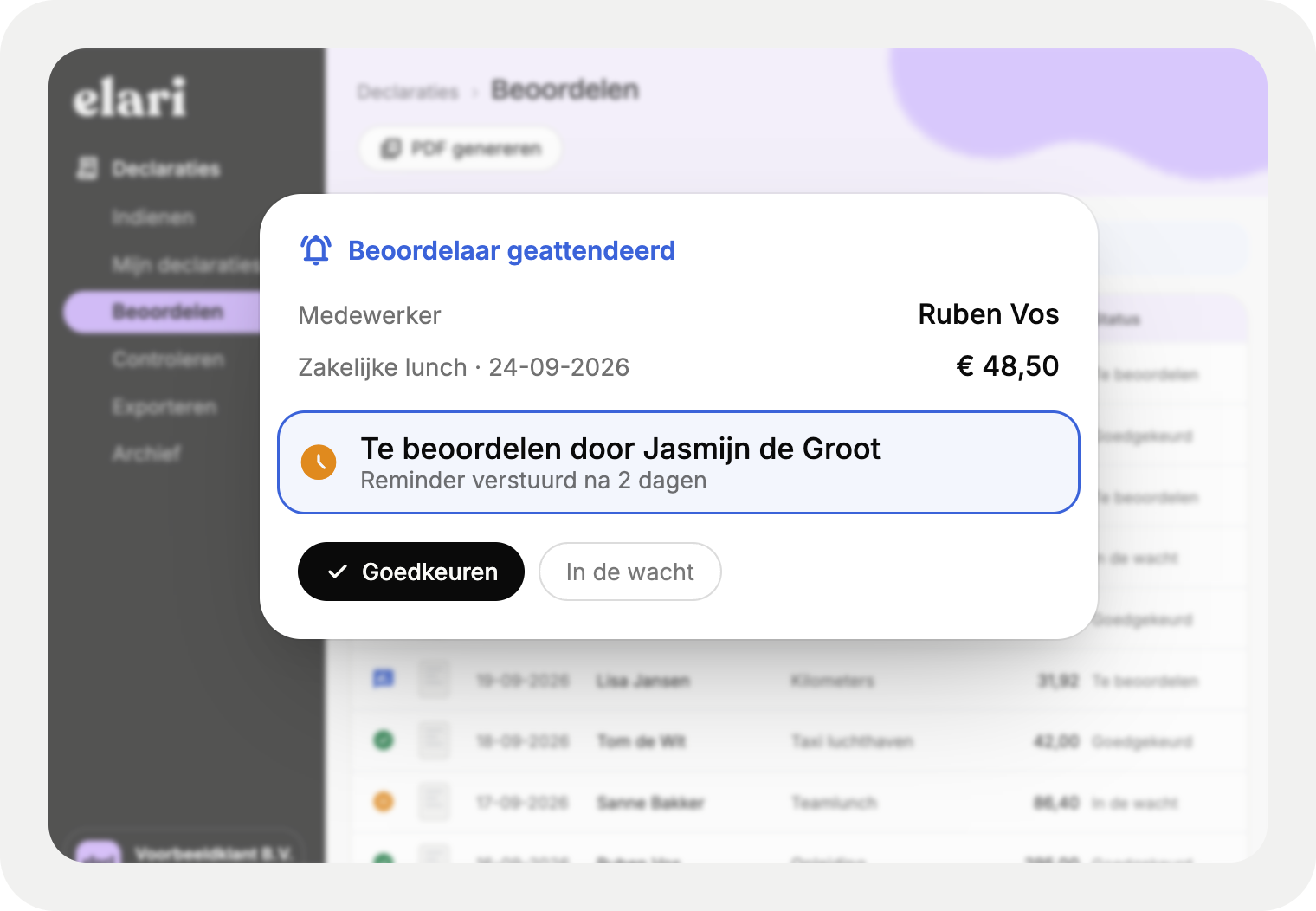
2. Review and approve
Expense reports are routed to the appropriate reviewer via automated workflows. Elari ensures that reviews are completed on time thanks to timely reminders.
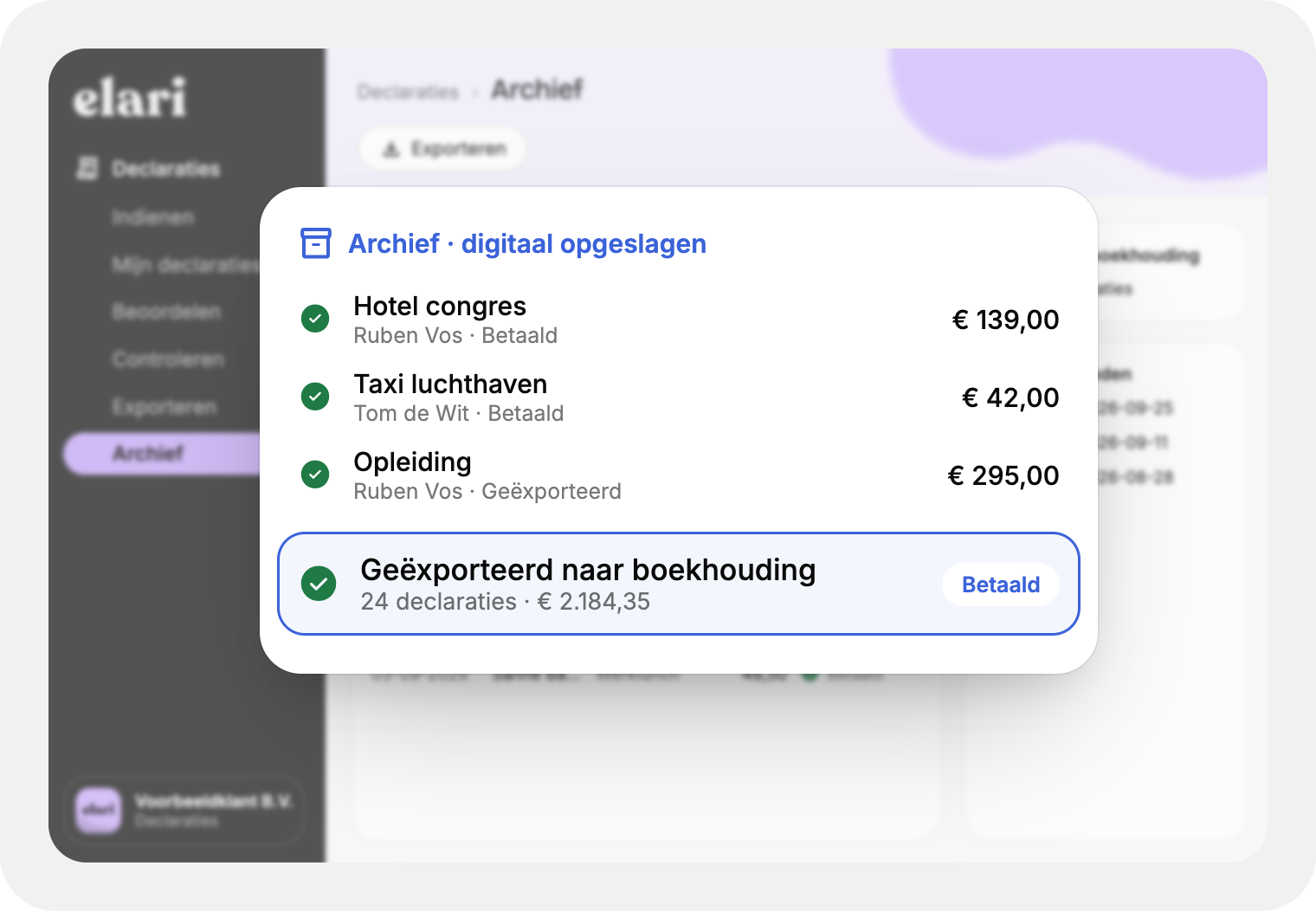
3. Archive and access
Once approved, the expense report is forwarded to the accounting software for payment and saved in the digital archive. The accounting department also has access to progress reports.
That's how easy it is to submit expense reports in practice
No more confusion about advances or expense reports. Elari makes it clear for everyone.
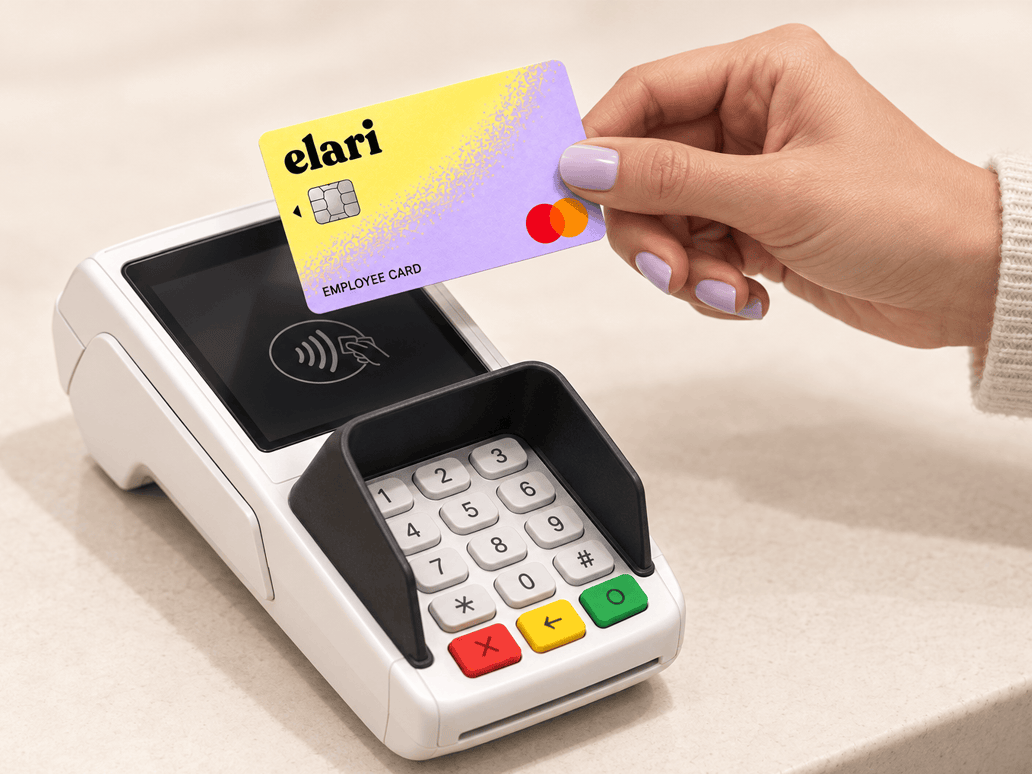
Elari Cards
Do you want to minimise expense reports as much as possible? With Elari Cards, employees pay for their own expenses without having to submit receipts.

Submitting expense reports via the app
Don't have your receipt handy? Take a photo of it, select the expense category, and send it. Elari will automatically post the expenses to the correct general ledger account.